
Adjustable Gimbal LED Pot Lights


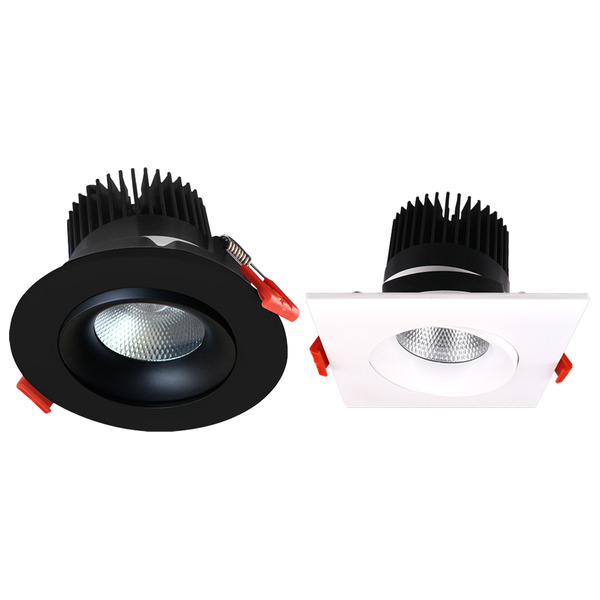

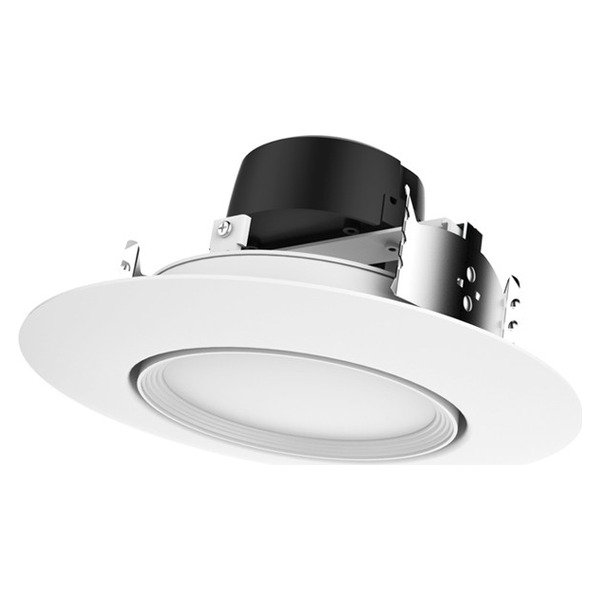
Choose the size that fits your ceiling opening, then compare beam angle and adjustment range. Aiming a fixture toward artwork or shelving takes a different beam and tilt from lighting a worktop directly below.
Aim and beam coverage
Check the manufacturer’s adjustment range for the direction you want to light. Beam angle changes the width of the lit area, while lumens describe the total light output. Compare both when lighting a feature wall or display.
Sloped ceilings
For a sloped ceiling, compare the ceiling slope with the model’s permitted installation and aiming range. A regressed gimbal may need more depth above the opening than a slim fixed light.
Planning a wall accent with a recessed spotlight
Choose the point on the wall or shelf you want to light and measure its distance from the fixture. A narrow beam on a nearby wall can form a bright scallop. Aiming farther across the wall changes the shape of that pool. For several pictures, consider how the separate beams will meet and whether a glossy frame could reflect the source back toward a viewer.
A 24° beam aimed straight down spreads to about 2.1 ft at a distance of 5 ft and 3.0 ft at 7 ft. Use the beam-angle table for different ceiling heights to compare wider optics. The usable tilt and the beam angle are separate specifications on a gimbal.